1) { lightboxIndex = (lightboxIndex - 1 + lightboxItems.length) % lightboxItems.length; imgModalSrc = lightboxItems[lightboxIndex].src; imgModalDesc = lightboxItems[lightboxIndex].alt || ''; selectedId = String(lightboxItems[lightboxIndex].id); }"
@keydown.arrow-right.window="if (imgModal && lightboxItems.length > 1) { lightboxIndex = (lightboxIndex + 1) % lightboxItems.length; imgModalSrc = lightboxItems[lightboxIndex].src; imgModalDesc = lightboxItems[lightboxIndex].alt || ''; selectedId = String(lightboxItems[lightboxIndex].id); }"
x-effect="document.body.classList.toggle('product-lightbox-open', imgModal)"
>
Item Details
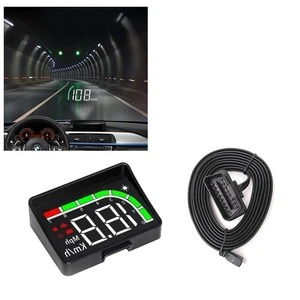
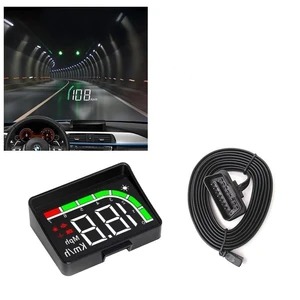
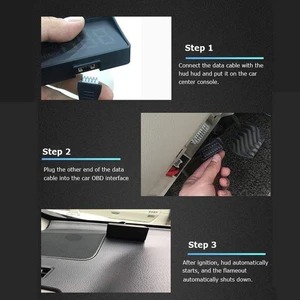
Plug in the OBD interface, plug and play, you can install it yourself! Specific steps are as follows:
1. With the vehicle turned off, plug the other end of the OBD cable to the HUD host.
2. Plug the OBD cable connector into the car OBD connector.
3. After the line is hidden into the A-pillar, the vehicle will be ignited (note: it is not the car key that hits ACC, but it turns ON, turns ON, turns ON)